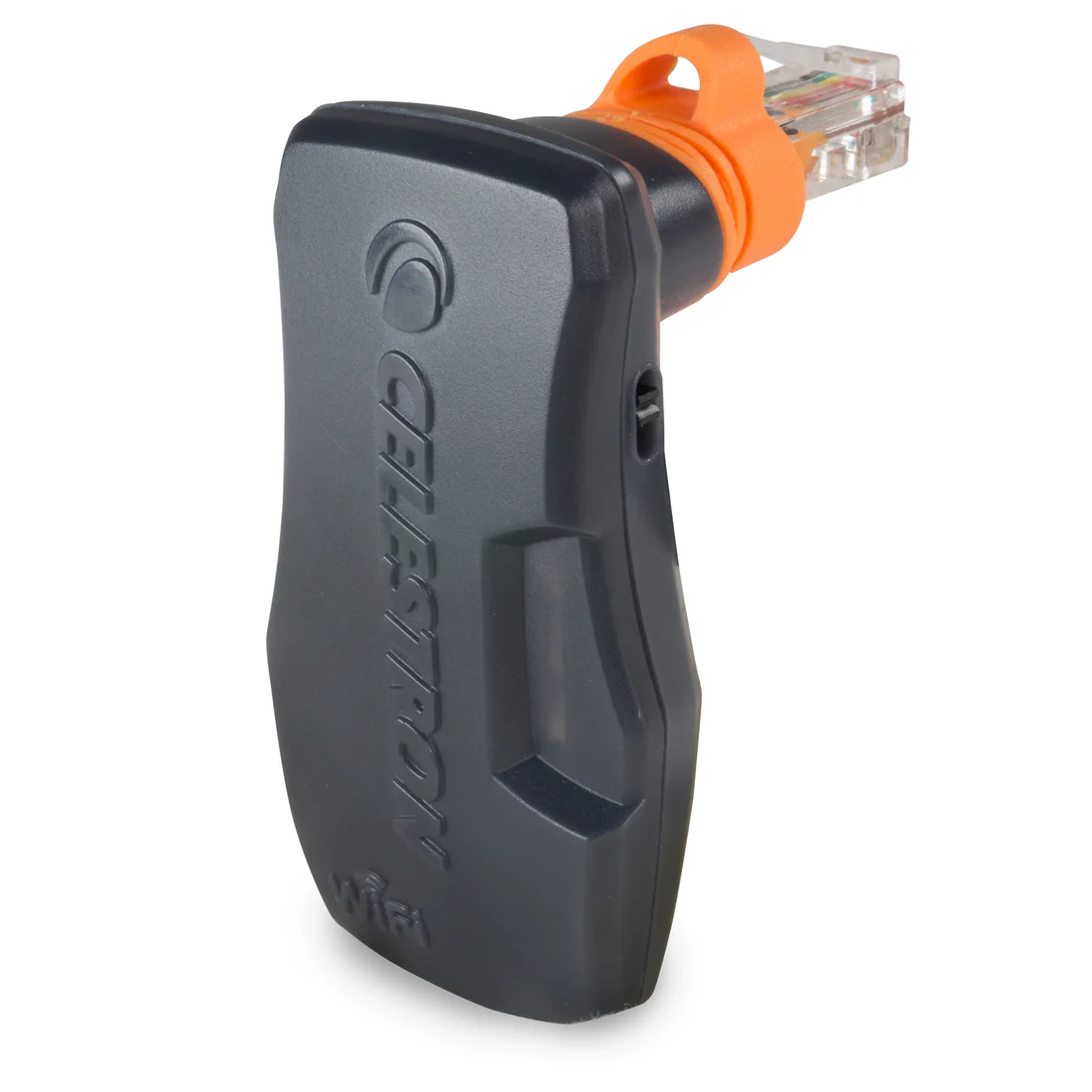
The Celestron SkyPortal WiFi Module transforms a compatible Celestron computerised telescope into a wireless observing system, allowing you to align your mount, explore the sky and select celestial objects using a smartphone, tablet or Windows computer. Designed for convenient visual observing and telescope navigation, this compact adapter connects directly to a compatible Celestron AUX port and communicates wirelessly with the SkyPortal mobile app or Celestron’s CPWI software.
Wireless Control for Your Celestron Telescope
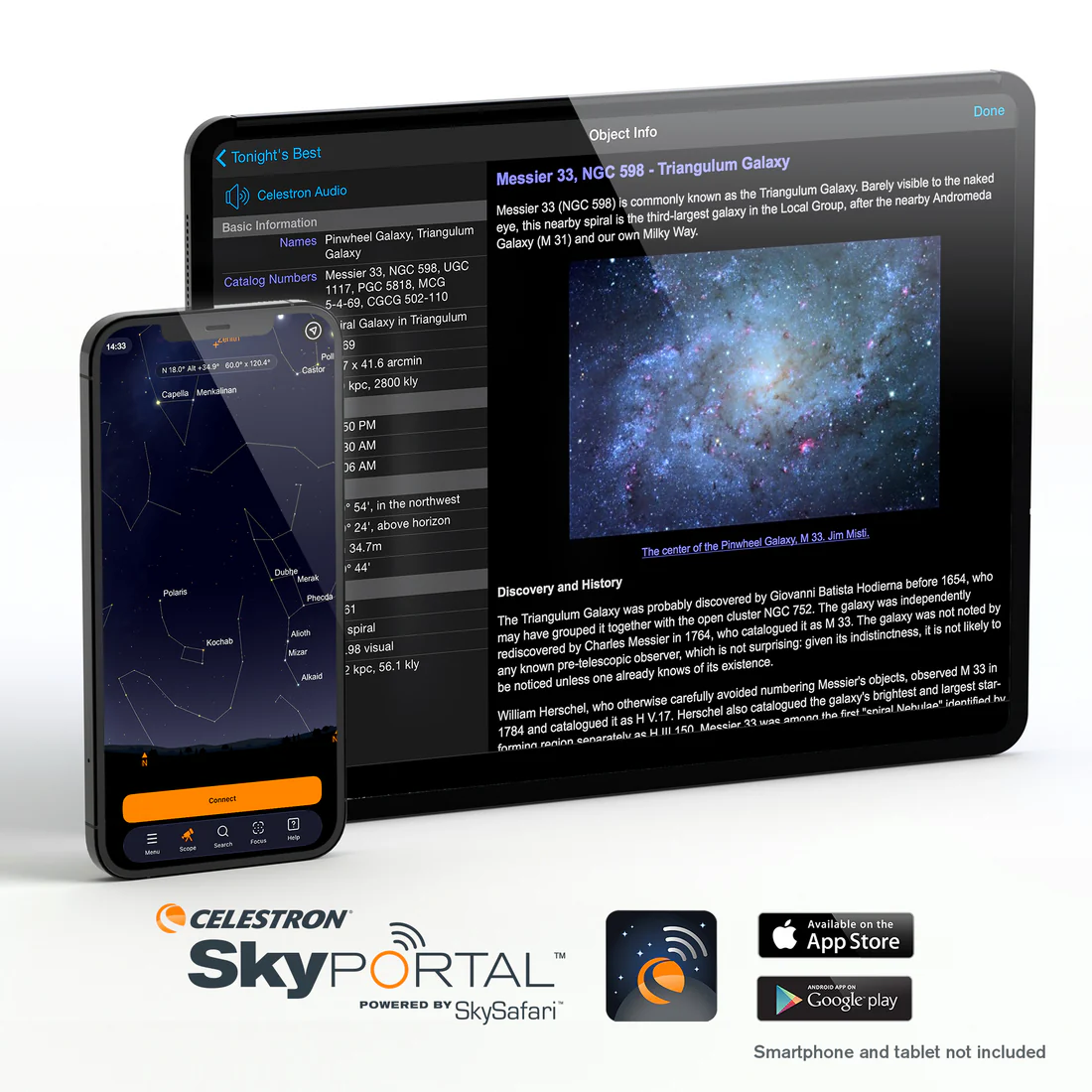
SkyPortal replaces the need to use the telescope’s physical hand controller for many routine observing tasks. Once connected to your compatible mount, the SkyPortal app guides you through telescope alignment and provides an intuitive interface for moving the telescope to selected targets. After successful alignment, the mount can automatically slew towards objects selected on your mobile device and track them as they move across the sky. This makes it easier to explore the night sky while keeping telescope control close at hand.
Explore the Sky with an Interactive Planetarium
The free Celestron SkyPortal app, powered by SkySafari, provides an interactive representation of the night sky. Browse stars, planets, galaxies, nebulae and star clusters, then select an object to learn more about it or command your telescope to move towards it. The app includes a database of more than 100,000 celestial objects, together with astronomical information, images and audio descriptions for selected targets. Its observing recommendations can help you identify interesting objects visible from your location on a particular evening.
Dual-Band Wi-Fi with Two Connection Modes
The SkyPortal WiFi Module supports both 2.4 GHz and 5 GHz wireless operation, providing flexibility in environments with competing wireless networks. In Direct Connect Mode, your smartphone or tablet connects directly to the module’s Wi-Fi signal. This is particularly useful when observing away from home, where no existing wireless network is available. In Access Point Mode, the module joins an existing compatible Wi-Fi network, allowing your mobile device to remain connected to that network while controlling the telescope. A physical mode-selection switch and status indicator lights help you configure the connection and check its operating state.
Compatible with a Wide Range of Celestron Mounts
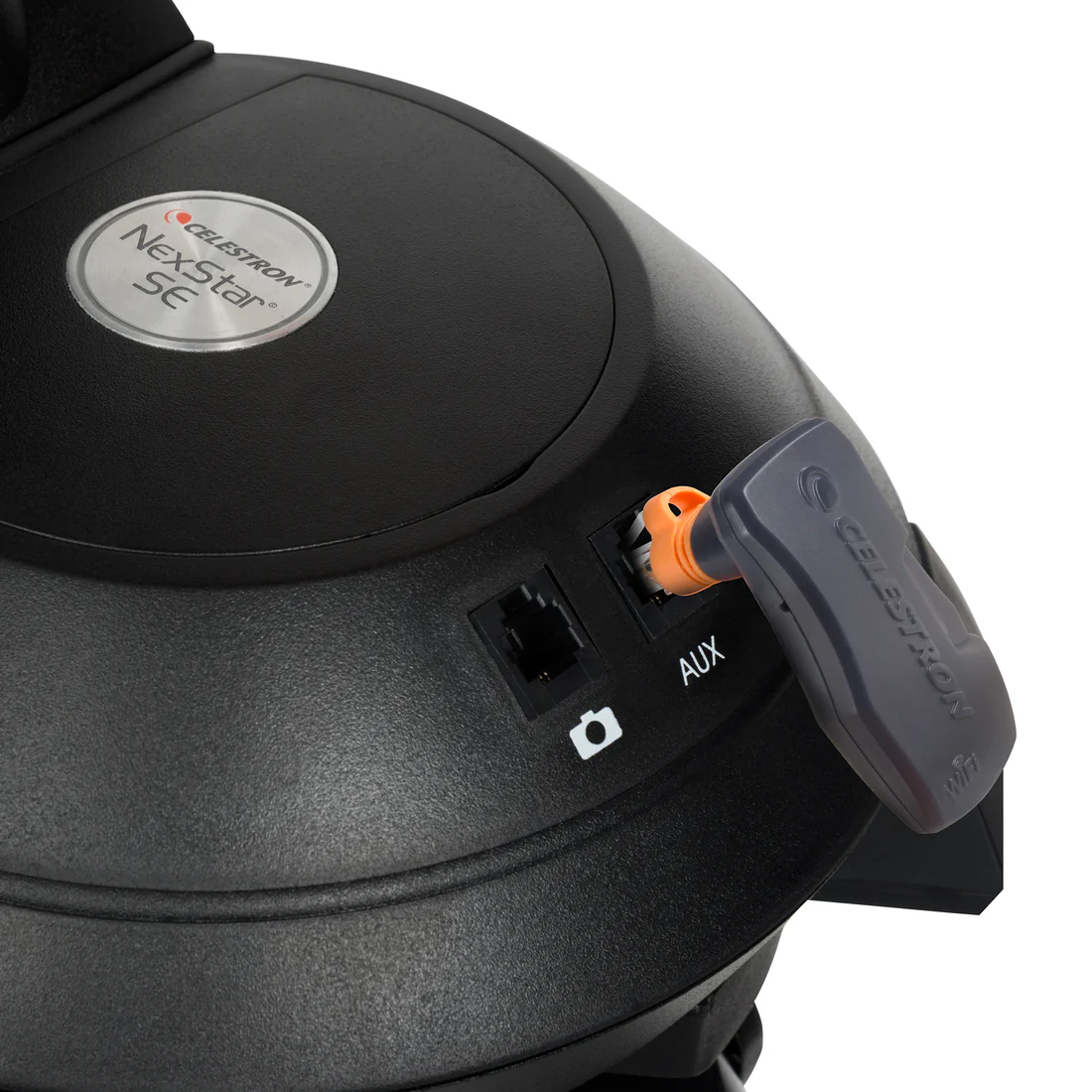
SkyPortal works with many Celestron computerised equatorial and alt-azimuth telescope mounts equipped with compatible AUX connections. Supported families include NexStar SE, NexStar SLT, CPC, Advanced VX, CGEM, CGX, CGX-L and several other Celestron GoTo systems. Some older mounts require an additional AUX splitter, while certain legacy telescope families are not supported. Before purchasing, check the exact mount model and its connection requirements against Celestron’s current compatibility list.
Control Your Telescope from a Windows PC
In addition to the SkyPortal app for Android and iOS, the module can provide a wireless connection between a compatible telescope mount and Celestron’s CPWI telescope-control software for Windows. CPWI offers a computer-based interface for telescope alignment, navigation and mount operation. This gives observers the flexibility to choose between mobile-device control and a Windows-based observing setup.
Plug-and-Play Installation with No Separate Power Supply
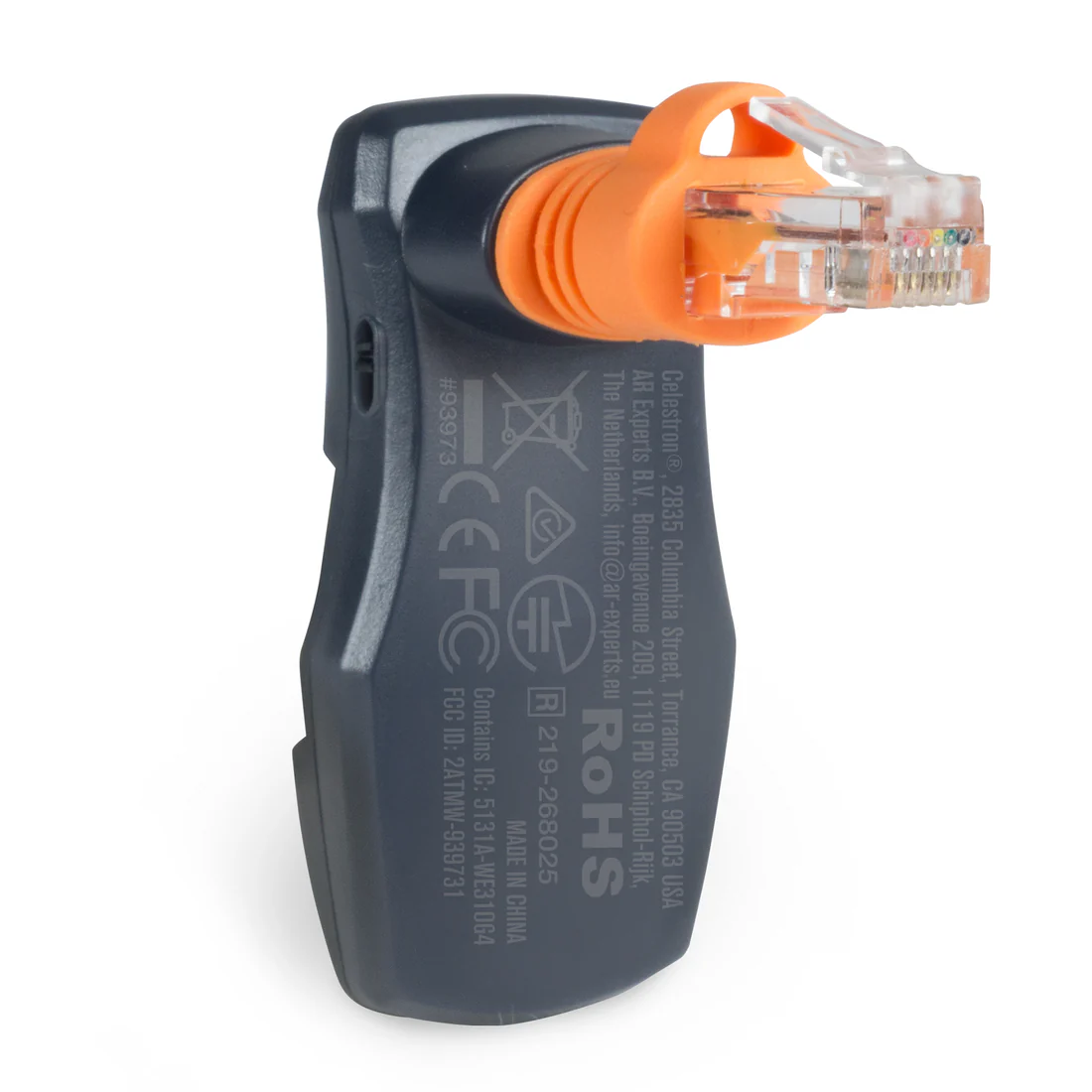
The SkyPortal WiFi Module plugs into a compatible AUX port on your Celestron telescope mount. It receives power directly from the mount, so no batteries, charging cable or external power adapter are required. Its small size and low weight make it easy to transport with your telescope accessories. SkyPortal is specifically designed for wireless mount control. It does not provide USB connections for astronomy cameras, dedicated autoguiding hardware, image storage or integrated power distribution. For Celestron telescope owners who want a convenient way to align their mount, navigate the sky and select targets from a mobile device, SkyPortal offers a straightforward wireless upgrade.


 Cookie policy
Reviews
There are no reviews yet.